
If you’re trying to figure out the best use cases for Seedance 2.0, the short answer is this:
👉 It’s not a full video production tool.
👉 It’s a high-performance shot generator designed for speed, visual impact, and creative exploration.
After analyzing real usage patterns and testing workflows, a clear pattern emerges: Seedance 2.0 delivers the most value in short-form, visually driven, and pre-production scenarios.
This guide breaks down exactly where it works best—and where it doesn’t.
For a more complete, end-to-end workflow, platforms like Pollo.ai can help bridge the gap by combining generation, editing, and automation in one place.
Get Seedance 2.0 — Limited-Time 60% Off!
What Makes Seedance 2.0 Different?
Before diving into use cases, it’s important to understand its core strength:
- Exceptional camera motion generation
- Strong performance in action-heavy scenes
- Ability to leverage reference images/videos for control
- Fast iteration cycles (minutes instead of hours)
But also:
- Weak character consistency
- Limited long-form storytelling
- Requires post-editing
👉 That’s why the best use cases all revolve around short, modular, high-impact clips
1. Concept Films (Pre-Visualization & Idea Testing)
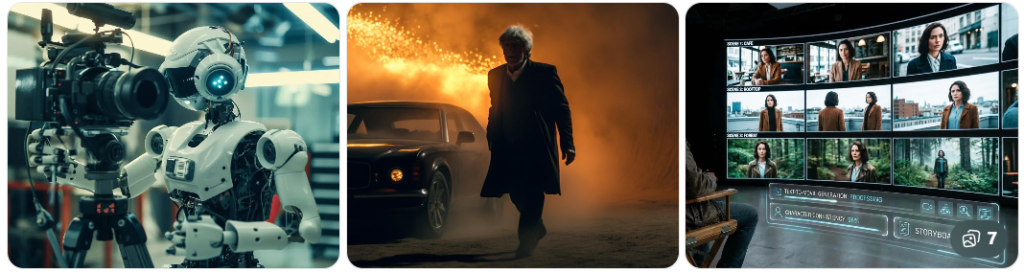
One of the best use cases for Seedance 2.0 is creating concept films—short cinematic sequences used to visualize ideas before production.
Why It Works
Traditional pre-visualization is slow:
- Storyboards (manual)
- 3D previs (technical + time-consuming)
With Seedance:
- You can generate multiple scene variations in minutes
- Test different camera movements instantly
- Explore creative directions without committing resources
Real Workflow Shift
Before
- Sketch storyboard → build 3D scene → animate camera
After
- Prompt + reference video → generate multiple cinematic clips
Pro Tip
The biggest improvement comes from:
👉 Using reference videos, not just prompts
This dramatically improves:
- Camera control
- Shot consistency
Best For
- Directors & filmmakers
- Creative agencies
- Pitch decks & concept validation
2. Ad Creatives (Short-Form Marketing Content)
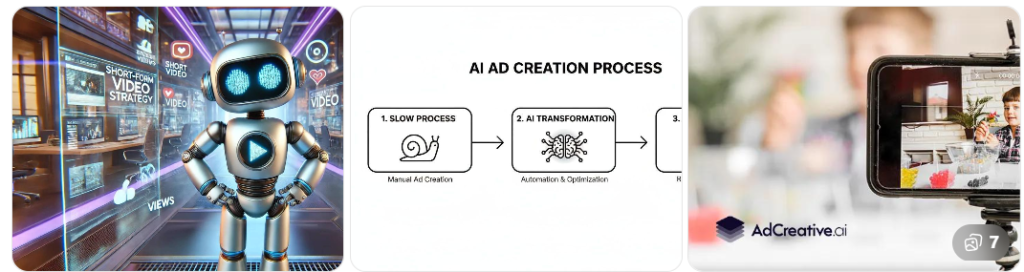
If you’re in marketing, this is arguably the most practical and scalable use case.
Why It Works
Modern advertising is about:
- Speed
- Volume
- Iteration
Seedance enables:
- Rapid generation of 5–15 second video ads
- Multiple creative variations for testing
- High visual impact without production costs
Real Workflow Shift
Before
- Shoot footage → edit → revise → expensive iterations
After
- Generate multiple clips → edit → deploy → test → iterate
Key Insight
👉 Seedance is not for final polished ads
👉 It’s for creative testing at scale
Performance Sweet Spot
- Best: Under 15 seconds
- Struggles: 30+ second ads
Best For
- Performance marketers
- Social media teams
- DTC brands
3. Music Video Snippets (Stylized Visual Content)
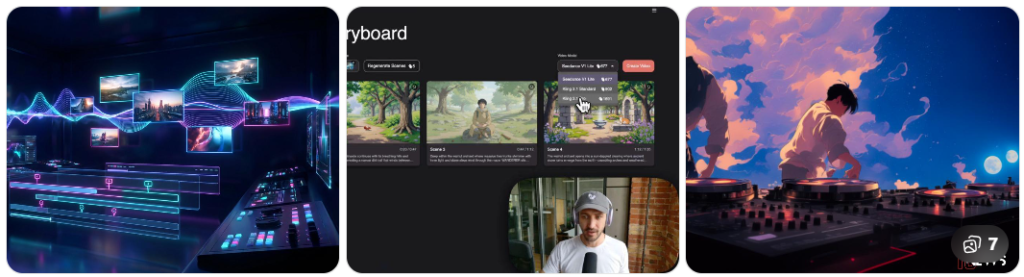
Another strong entry in the best use cases for Seedance 2.0 is creating music video snippets.
Why It Works
Music content doesn’t always require:
- Narrative consistency
- Character continuity
Instead, it relies on:
- Mood
- Motion
- Visual rhythm
👉 Exactly where Seedance performs best
Real Workflow Shift
Before
- After Effects / 3D animation workflows
After
- Generate clips → sync to music → edit into sequence
Creative Advantage
- Generates abstract, surreal, cinematic visuals
- Perfect for:
- Loops
- Montages
- Experimental edits
Limitation
- Not suitable for full narrative music videos
Best For
- Indie artists
- Visual creators
- Content creators on TikTok / YouTube
4. Storyboarding (Dynamic Animatics)
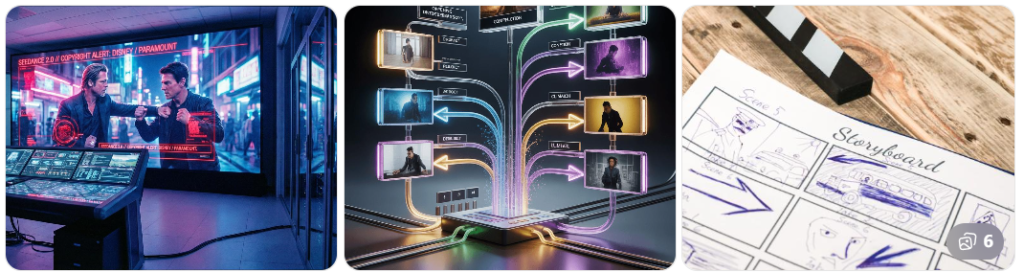
Seedance is redefining how storyboards are created—moving from static images to dynamic visual sequences.
Why It Works
Instead of imagining motion:
👉 You can see it immediately
Real Workflow Shift
Before
- Static storyboard panels
- Rough animatics
After
- AI-generated clips → stitched into sequence
Practical Technique
Because of consistency limitations:
👉 Use short clips (3–5 seconds) and combine them
Benefits
- Better communication with teams
- Faster iteration on pacing and shot design
- More realistic previews
Limitations
- Character consistency issues
- Less control over precise storytelling
Best For
- Filmmakers
- Creative directors
- Production teams
When NOT to Use Seedance 2.0
To fully understand the best use cases for Seedance 2.0, you also need to know where it fails.
Avoid Using It For:
❌ Long-form videos (1–3+ minutes)
❌ Narrative-heavy storytelling
❌ Projects requiring character consistency
❌ Final production-ready videos without editing
👉 In these cases, it becomes inefficient or unreliable
Final Verdict: Where Seedance 2.0 Truly Shines
The best use cases for Seedance 2.0 all share one thing:
👉 They prioritize visual impact over narrative precision
Ideal Use Case Summary
- Concept films → fast idea validation
- Ad creatives → high-speed content testing
- Music visuals → stylized, non-linear content
- Storyboarding → dynamic pre-production
Bottom Line
Seedance 2.0 is best used as:
👉 A cinematic clip generator—not a full video production system
If you treat it as:
- A rapid ideation tool
- A visual experimentation engine
- A short-form content generator
…it can dramatically accelerate your workflow.
If you expect:
- Full control
- Long-form consistency
- Production-ready output
…it will fall short.